
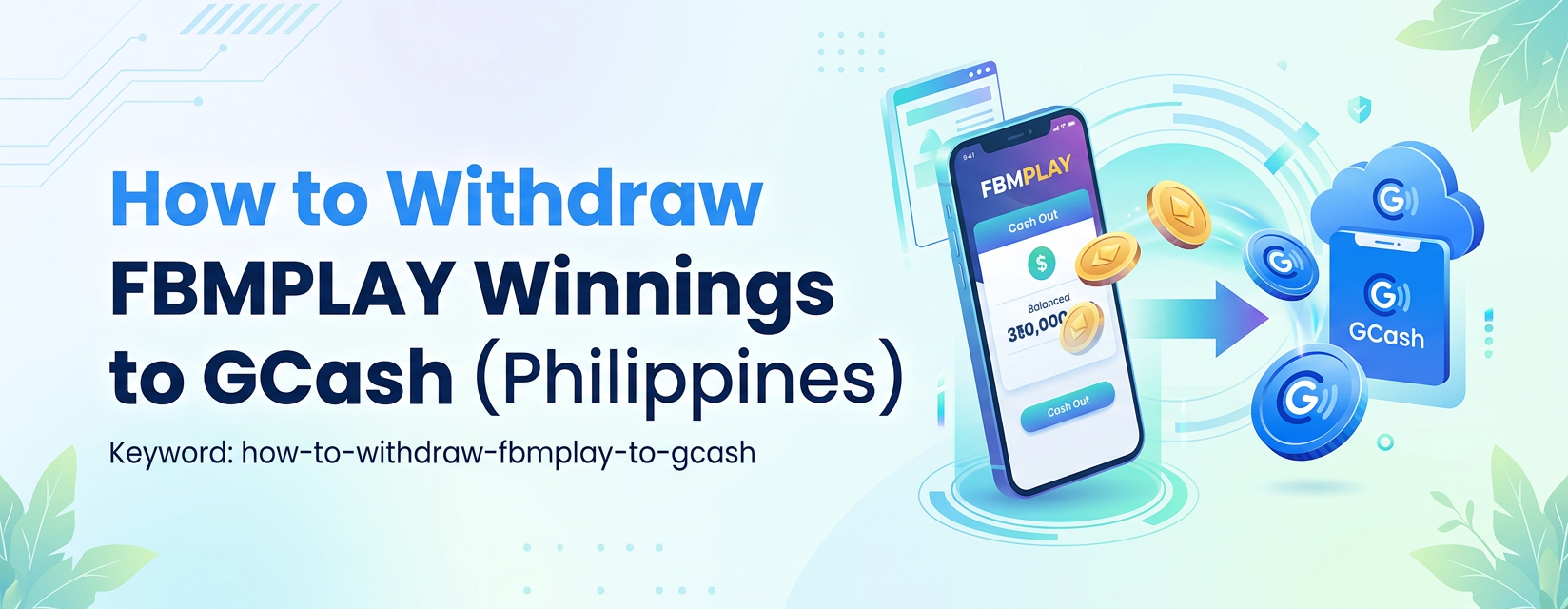
How to Withdraw FBMPLAY Winnings to GCash: Complete Guide (Philippines)
Withdrawing FBMPLAY winnings to GCash takes minutes. The minimum withdrawal is ₱100 with no maximum limits. KYC is required first. FBMPLAY by FBM Gaming is PAGCOR-licensed for Philippines 21+.
GCash Withdrawal Limits on FBMPLAY
FBMPLAY offers highly flexible GCash withdrawal terms for the Philippine market. Understanding these limits helps you manage your funds efficiently. The minimum withdrawal is strictly set at ₱100. There is no maximum limit per transaction imposed by the platform. Furthermore, there is no daily limit on the total amount you can cash out. You can withdraw your entire account balance in a single transaction.
Many Philippine gaming platforms cap withdrawals at ₱50,000 per transaction or ₱100,000 per day. FBMPLAY removes these caps entirely. This no-limit policy benefits high-volume players who need access to large balances without splitting requests across multiple days.
Before You Start: KYC Verification Required
GCash withdrawals require completed KYC verification on your FBMPLAY account. Do this before requesting your first cash out. If you have not completed KYC yet, follow these steps:
- Go to Profile, then select KYC Settings.
- Submit a valid, government-issued Philippine ID showing both the front and back.
- Submit a clear selfie holding your chosen ID next to your face.
- Provide your full residential address and basic income information.
Approval typically completes in under 1 minute. For complete step-by-step details, read our dedicated guide on FBMPLAY account verification. Completing this step early prevents delays when you are ready to withdraw.
Step-by-Step: Withdrawing FBMPLAY to GCash
Follow these exact steps to move your funds from the platform to your e-wallet.
- Log in to your FBMPLAY account via the web browser or mobile app.
- Go to your main wallet dashboard and tap the Withdraw button.
- Select GCash as your primary withdrawal method from the available options.
- Enter the exact amount you want to withdraw, ensuring it meets the minimum requirement of ₱100.
- Carefully enter your registered GCash mobile number.
- Important: Your GCash account name must match your FBMPLAY KYC verification exactly to prevent rejection.
- Review all withdrawal details on the summary screen.
- Confirm the withdrawal request.
Processing time typically takes 1-2 minutes under normal conditions. During peak gaming hours or scheduled banking maintenance windows, processing takes slightly longer. Funds appear directly in your GCash wallet balance once cleared.
How to Verify the Withdrawal Arrived in GCash
Security protocols dictate how transactions appear on your records. The exact merchant name displayed in your GCash transaction history is not publicly disclosed by FBMPLAY. This serves as a standard anti-fraud measure used by regulated gaming operators across the industry. Do not rely on looking for a specific merchant name alone for verification. Instead, use these steps to verify your withdrawal:
- Match the exact amount received to your FBMPLAY withdrawal request.
- Match the timing, as funds typically arrive within 1-2 minutes of your request.
- Check your FBMPLAY transaction history dashboard to ensure the specific request shows a Completed status.
- Compare your FBMPLAY transaction reference number with your GCash receipt record.
If the amount and timing match your request perfectly, the withdrawal is legitimate and complete.
Common Reasons GCash Withdrawals Fail (and Fixes)
Most failed FBMPLAY-to-GCash withdrawals stem from user account mismatches rather than platform errors. Identifying the exact cause helps resolve the issue quickly.
- GCash account name does not match FBMPLAY KYC name. GCash uses your government-registered name tied to your SIM card. FBMPLAY uses the name extracted from your submitted ID. These two names must match exactly, including middle name spelling and suffixes. Verify both account names carefully. If they do not match, contact customer service before re-attempting the transaction.
- GCash mobile number is incorrect or unverified. Entering a wrong number means the withdrawal cannot reach your device. An unverified number causes the receiving transaction to fail automatically. Double-check the mobile number input. Ensure the GCash account is fully verified on the e-wallet application itself.
- KYC is not complete on FBMPLAY. You must complete KYC before any withdrawal can process. Go to Profile then KYC Settings to finish this requirement.
- Withdrawal amount is below the ₱100 minimum. The system automatically rejects requests under this threshold. Build your account balance to at least ₱100 before withdrawing.
- Pending wagering requirements on bonus credits. Bonus credits from welcome bonuses or cashback promotions require turnover completion before withdrawal. Cash deposits and direct winnings can typically be withdrawn directly without extra turnover. Complete the specific wagering requirements tied to your active promotions. See how to cash out FBMPLAY winnings for comprehensive turnover details.
If your withdrawal fails for an unknown reason after checking these points, contact support immediately. Use the LiveChat red button located at the bottom-right of fbmplay.com. Alternatively, call (02) 8248-9568. Read more about FBMPLAY customer service channels.
GCash-Specific Tips for Filipino Players
Optimize your account setup to ensure smooth transactions every time. Make sure your GCash account is fully verified within the e-wallet app. GCash Basic accounts have low monthly receiving limits that conflict with the FBMPLAY no-limit policy. Upgrading to GCash Verified provides a PHP 100,000 to PHP 500,000 daily receiving limit depending on your tier. This ensures large FBMPLAY withdrawals process smoothly without hitting third-party caps.
Check your GCash transaction limits before withdrawing large amounts. GCash imposes receiving limits based strictly on your verification level. Even though FBMPLAY has no withdrawal limit, your e-wallet might reject the transfer if your monthly incoming limit is maxed out. Verify your GCash limits in the GCash app under Account, then Profile.
Test with a small withdrawal first. For your very first FBMPLAY-to-GCash withdrawal, test with ₱100 to ₱200 to confirm everything is set up correctly. Withdraw larger amounts with confidence after the test succeeds.
Why Use GCash for FBMPLAY Withdrawals?
GCash remains the most widely-adopted e-wallet in the Philippines, serving over 60 million active users. Players prefer using GCash for FBMPLAY withdrawals for several distinct reasons. Transfers typically take 1-2 minutes, providing rapid access to funds. The system connects directly to your active mobile phone number, simplifying the routing process. You do not need a traditional bank account to receive your winnings. Furthermore, GCash is widely accepted for everyday purchases, bills payment, and merchant transactions across the Philippines. If you also use Maya for digital payments, both systems work seamlessly with FBMPLAY. Review our FBMPLAY withdrawal time GCash vs Maya comparison to decide which e-wallet suits your gaming habits better.
Anti-Phishing Reminder
Protect your financial data when withdrawing from FBMPLAY to GCash. Only initiate withdrawals directly through the official FBMPLAY website or the official mobile app. FBMPLAY customer service agents will never ask for your GCash MPIN or OTP. They will never ask you to send GCash money to an external account for withdrawal processing or verification fees. If anyone claiming to be FBMPLAY support requests your GCash password or asks you to send money, it is a scam. Report these incidents immediately.
Always verify you are on the official fbmplay.com domain before logging in and requesting a cash out. FBMPLAY operates as a strictly regulated platform. Read is FBMPLAY licensed by PAGCOR for detailed regulatory framework information. PAGCOR oversees all financial operations to ensure fair play and secure transactions.
Frequently Asked Questions (FAQ)
What is the minimum FBMPLAY withdrawal to GCash?
₱100. This is the lowest amount FBMPLAY processes for GCash withdrawals.
Is there a maximum FBMPLAY-to-GCash withdrawal limit?
No. FBMPLAY does not impose a maximum per-transaction limit or a daily limit on GCash withdrawals. However, your GCash account may have receiving limits based on its verification level.
How long does an FBMPLAY-to-GCash withdrawal take?
Typically 1-2 minutes from confirmation to GCash wallet arrival.
Why is my FBMPLAY-to-GCash withdrawal failing?
Most failures stem from player-side account mismatches. Common causes include a GCash account name that does not match the FBMPLAY KYC name, an unverified GCash mobile number, incomplete FBMPLAY KYC verification, or pending wagering requirements on bonus credits. Verify these details before contacting customer service.
What name will appear in my GCash transaction history?
FBMPLAY does not publicly disclose the merchant name shown in GCash transactions. This serves as a standard anti-fraud practice. Verify your withdrawal by matching the exact amount and timing to your FBMPLAY request, and by checking your FBMPLAY transaction history for a Completed status.
Do I need to complete KYC before withdrawing to GCash?
Yes. FBMPLAY requires completed KYC for any withdrawal, including to GCash. You must submit your valid ID and complete the selfie verification in the KYC Settings menu.
Eligibility: FBMPLAY is operated by FBM Gaming and licensed by PAGCOR. The platform is restricted exclusively to players aged 21 and above located within the Philippines. Practice responsible gaming.