

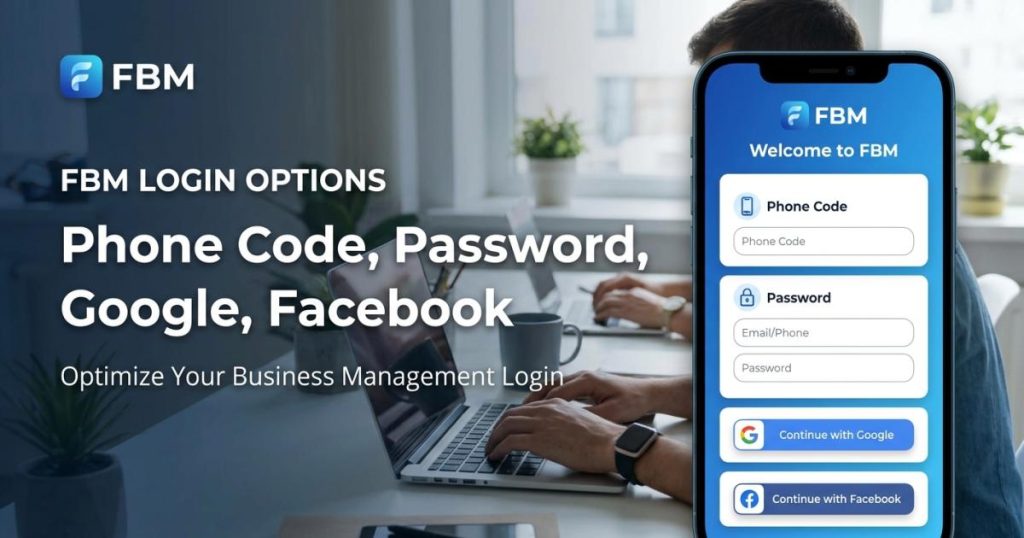
FBM Play offers four fbm login options at fbmplay.com/login — phone number and one-time code, password, Google, and Facebook.
The Four FBM Play Login Options Compared
FBM Play has four login options: phone number and code, password, Google, and Facebook. PAGCOR regulates operations in the Philippines for players aged 21 and above. FBM Play staff never ask for your password or code. All four options are available on the same FBM Play login page.
For more details on accessing your account, consult the complete FBM login guide. If you need help choosing, check out the FBM Play login help overview.
| Option | What you need | Creates a new account? | Good to know |
|---|---|---|---|
| Phone number + code | +63 mobile number and a code from “Get Code” | Yes, if the number is new | No password to remember |
| Password | Registered account details and password | No | Use “Login With Password” |
| Your Google account | — | Tap the Google icon under “OR” | |
| Your Facebook account | — | Tap the Facebook icon under “OR” |
Option 1: Phone Number and Code
To log in to FBM Play without a password, enter your +63 number and tap ‘Get Code’. This utilizes fbm login otp verification for fast access.
- Open Site: Open fbmplay.com/login in your browser.
- Enter Number: Enter your mobile number after the +63 prefix.
- Request Code: Tap “Get Code” and wait for the SMS.
- Input Code: Enter the code in “Enter the code”.
- Complete Login: Tap “Register / Log in”. A new number creates an account automatically. The ‘Register / Log in’ button creates a new FBM Play account if your mobile number is new.
Note: this is the way to log in without a password. If the code doesn’t arrive, check our guide on what to do if you experience a code not received issue.
Option 2: Login With Password
Users who prefer traditional credentials can rely on fbm login password verification. This method requires your previously established details.
- Locate Button: On fbmplay.com/login, tap “Login With Password” under the red button.
- Provide Credentials: Enter your registered account details and password.
- Submit: Log in to your profile.
If you forgot it, switch to the phone code option or reset your password securely.
Option 3: Log In With Google
Google and Facebook login buttons are under ‘OR’ on fbmplay.com/login. Utilizing fbm login google provides a streamlined authentication flow.
- Locate Icon: Tap the Google icon under “OR” on the main login screen.
- Select Account: Choose your preferred Google account from the prompt.
- Authorize: Follow the on-screen prompt to finish signing in.
Option 4: Log In With Facebook
Social authentication via fbm login facebook offers another quick entry point for registered users.
- Locate Icon: Tap the Facebook icon under “OR” on the login interface.
- Confirm Identity: Confirm connection with your Facebook account.
- Authorize: Follow the prompt to complete the session.
Which Login Option Should You Use?
Choosing the right path depends on personal preference and device security. Consider which fbm login is safest for your daily routine.
| If you… | Use |
|---|---|
| Are new to FBM Play | Phone number and code |
| Don’t want to remember a password | Phone number and code |
| Prefer a password on a personal device | Login With Password |
| Want one-tap sign-in | Google or Facebook |
Whichever you choose, use only the official page fbmplay.com/login.
What You Confirm When You Log In
By logging in or registering, the page states you confirm you are over 21, not listed in PAGCOR’s National Database of Restricted Persons, not a Gaming Employment License holder, and not a government employee, and you agree to FBM Play’s Terms of Use and Privacy Policy.
Keep Every Login Option Safe
- Never Share Credentials: Never share your login code, password or e-wallet MPIN, even with people claiming to be FBM Play staff. Review our account security tips for more guidance.
- Verify URL: Check that the address bar shows fbmplay.com/login before tapping Google or Facebook; watch out for fake FBM Play links that copy these buttons.
- Log Out: Log out on shared phones to protect your information.
- Support: Get help via Live Chat on fbmplay.com and fbmplay2026@gmail.com, available 24/7.
FAQ
What are the FBM login options?
Phone number and code, password, Google, and Facebook, all available at fbmplay.com/login.
Can I log in to FBM Play without a password?
Yes; use your +63 number and the code from “Get Code” as an fbm login without password method.
Can I use Google or Facebook to log in to FBM Play?
Yes; tap the corresponding icon under “OR” on the login page.
Which FBM login option creates a new account?
The phone number and code option, via “Register / Log in”, if your mobile number is new.
Review the four fbm login options to find your preferred method, and consult the complete FBM login guide for additional details. FBM Play is for players aged 21+ only. PAGCOR National Problem Gambling Helpline: (02) 8248-9568, 24/7.